 ClothesMorph
Logo hoodie
A chest logo gives the edit a precise reference point. Check if the lettering is legible, whether it bends naturally over folds, and how the hood and cuffs sit against the person.
See how up to three garments look on the same person, with natural drape and attention to logos, prints, and fabric texture.
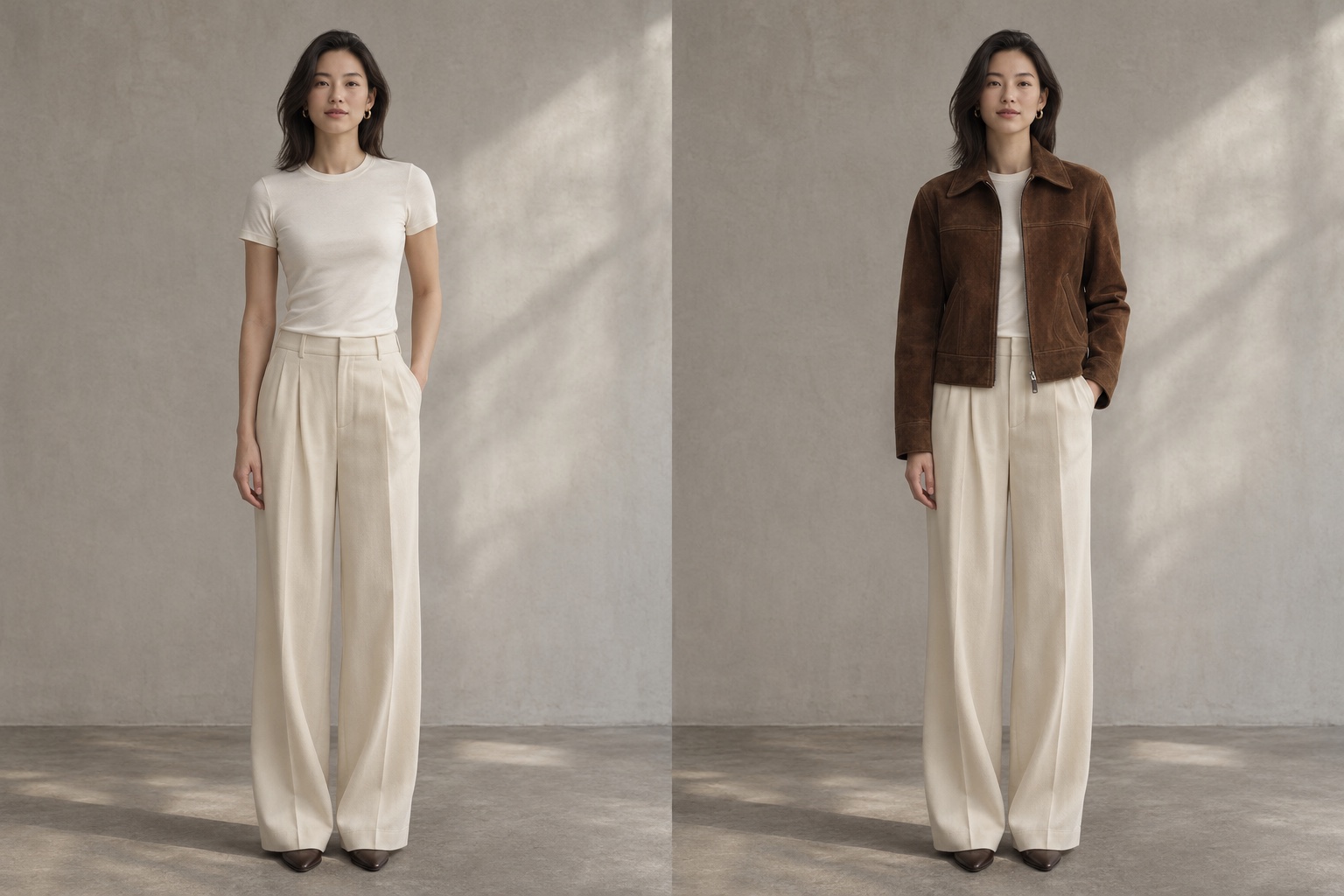
Different fabrics expose different editing mistakes. These three tests focus on placement, pattern and fit, using the source images alongside the resulting outfit so each detail can be checked in context.
Verified case results will appear here as they become available.
A chest logo gives the edit a precise reference point. Check if the lettering is legible, whether it bends naturally over folds, and how the hood and cuffs sit against the person.
A fine repeating print helps reveal smearing and changes in scale. Look at the pattern across the waist and hem, and compare how the shadows fall in the original pose.
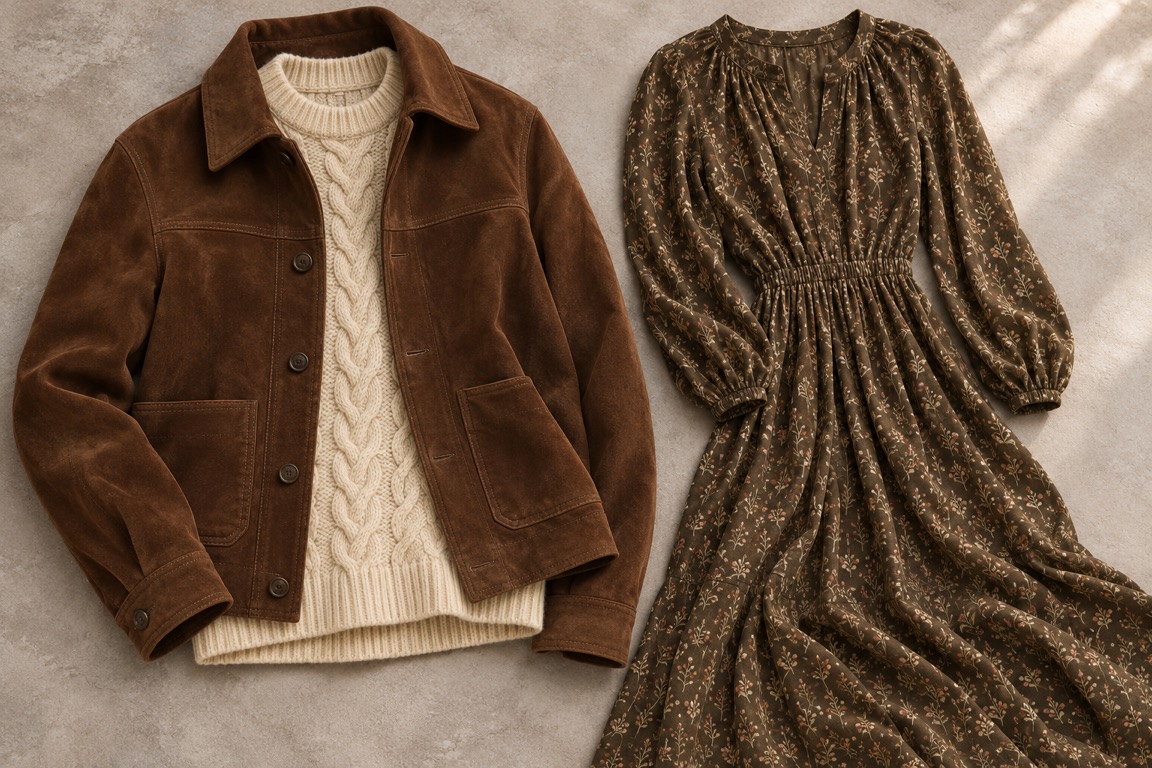
A garment photographed off the body tests how the model interprets shape. Compare the neckline, seams and material from the flat reference with the way the finished outfit sits on the person.
The right image for a product page should show the details a shopper needs to recognize. Review your output against its clothing reference before using it in a listing or campaign.
Use a sharp reference with the logo or print in full view. In the result, inspect small lettering, knit texture and seam placement, then check that the outfit follows the original pose and lighting.
Use a flat lay or a clear on-model product photo. Reusing the same person photo across several generations lets you build a catalog around a consistent angle, background and model.
Download a 1024 × 1536 portrait JPEG without a watermark. The welcome credit and paid credits deliver the same image quality. Commercial use is subject to our terms.
Start with a flat lay from your product folder and put it on a model photo you have permission to use. Check the color and cut before adding the JPEG to the product page.
Reuse one well-lit portrait so the framing stays consistent across your posts. Change the references between generations to make a series of looks for a drop or seasonal collection.
Add a top, a layer and a pair of trousers in one generation to see how the pieces work together. Use the result to plan an outfit bundle or put together a lookbook.
Generate separate outfit options using the same base image so you can compare the styling. Pick the combinations to develop into paid creative or bring into your next product shoot.
Choose a clear half-body or full-body photo that shows the area you want to dress. Even lighting and a background with little clutter make it easier to see the changes.
Upload separate references for each garment. Choose views with visible edges and add an optional styling note if you want a specific detail, such as how an outer layer is worn.
Generate one outfit image and inspect it at full size. Download the JPEG while it is available, and keep a local copy if you plan to publish or compare it later.
Every plan includes 1024 × 1536 portrait images, HD downloads, no watermark, and a commercial use license. The welcome credit delivers the same image quality.
Trial Pack · One-time payment
For personal try-ons and small batches of outfit photos.
100 images
For a regular stream of styling posts and ad variations.
250 images
For more products, collections and model references.
580 images
$5.9 / 40 images · One-time payment
An AI clothes changer edits a photo to show the person wearing clothing from your reference images. ClothesMorph combines a person photo with up to three garment photos to create one virtual try-on image.
Eligible new users can receive one image credit when they sign in with Google for the first time. Availability depends on your region and usage limits. The welcome credit is unavailable in India.
The welcome offer gives one image per eligible account and browser fingerprint. A public IP address can receive one welcome credit in a rolling 24-hour period. The credit expires 30 days after it is granted.
All downloads are watermark-free. Your welcome image has the same resolution and quality as paid images.
You can use the generated images for product listings, social posts and ads under our terms. Make sure you hold the necessary rights to the original photos, any identifiable person and any marks on the clothing.
ClothesMorph operates independently of its AI model providers and has no affiliation, endorsement, or sponsorship from them.
Yes. A generation that fails or cannot deliver an image returns the credit automatically. If the model completes the job, the credit is used even if you choose a different outfit afterward.
We send your photos and styling note to service providers for content review and generation. Your approved result is available through your account for 24 hours. See our privacy policy for details.
Use a well-lit person photo with the relevant body area visible. For clothing, show the full garment with clear edges, readable prints and consistent lighting. A front-facing angle makes fit and placement easier to compare.
Upload JPEG or PNG photos up to 8 MB each and 24 MB in total. Download your result as a 1024 × 1536 portrait JPEG.